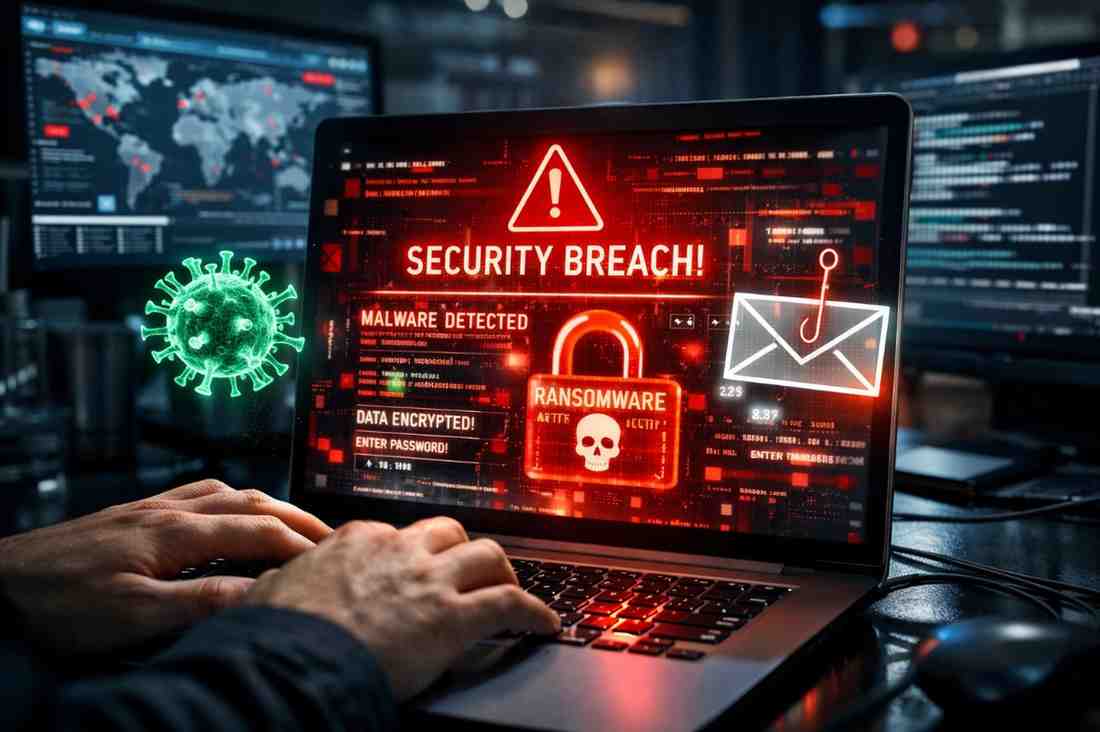
In today’s digital world, we rely on technology for work, communication, and daily life. But with this convenience comes risk. Cyber threats like malware, ransomware, and phishing have become increasingly sophisticated, targeting individuals, businesses, and even governments. Understanding these threats is the first step toward protecting yourself and your data.
What Are Cyber Threats?
A cyber threat is any malicious attempt to damage, steal, or exploit digital systems, networks, or devices. Cybercriminals use a variety of tools and tactics, often exploiting human error or weak security practices.
Some of the most common threats include:
- Malware: Malicious software designed to disrupt, damage, or gain unauthorized access.
- Ransomware: Malware that locks files or systems, demanding a ransom to restore access.
- Phishing: Fraudulent attempts to steal personal information by impersonating trusted sources.
Malware: Malicious Software
Malware comes in many forms, including viruses, worms, trojans, spyware, and adware. Its main goal is to damage devices, steal data, or gain unauthorized access.
Signs of Malware Infection
- Slow device performance
- Unexpected pop-ups or ads
- Programs opening or closing on their own
- Unexplained data usage or network activity
How to Protect Against Malware
- Install reputable antivirus software and keep it updated
- Avoid downloading attachments or software from unknown sources
- Regularly update operating systems and applications
- Use strong, unique passwords
Ransomware: Digital Hostage-Taking
Ransomware is a type of malware that encrypts files on a device or network, making them inaccessible until a ransom is paid—often in cryptocurrency. It has become a significant threat to individuals, hospitals, businesses, and governments worldwide.
How Ransomware Spreads
- Email attachments from unknown senders
- Malicious websites or downloads
- Exploiting vulnerabilities in outdated software
Prevention Tips
- Back up data regularly to offline or cloud storage
- Keep systems and software patched and updated
- Use email filters and avoid suspicious links
- Educate yourself and employees on safe digital practices
Phishing: The Art of Deception
Phishing attacks trick users into revealing sensitive information, such as passwords, credit card numbers, or personal details. Attackers often pose as trusted organizations, like banks, government agencies, or popular services.
Common Phishing Techniques
- Fake emails or websites that mimic legitimate organizations
- Urgent messages demanding immediate action
- SMS or phone calls claiming account issues
How to Spot Phishing
- Check sender email addresses carefully
- Look for spelling or grammatical errors
- Hover over links to verify URLs before clicking
- Never share sensitive information through unsolicited messages
Protection Tips
- Enable multi-factor authentication (MFA) for online accounts
- Regularly monitor accounts for suspicious activity
- Educate yourself on common phishing tactics
The Importance of Cybersecurity Awareness
Cyber threats are constantly evolving. Awareness and vigilance are your first line of defense. Simple precautions can prevent data loss, financial theft, and identity fraud, including:
- Strong, unique passwords for each account
- Regular software updates
- Caution with email attachments and links
- Using VPNs and secure networks when online
Organizations should also invest in employee training, endpoint security, and regular audits to minimize risk.
Final Thoughts
Cyber threats like malware, ransomware, and phishing are not just IT problems—they affect everyone who uses digital devices. By understanding how these attacks work and implementing strong security practices, you can protect your personal information, your business, and your digital life.
Remember: in the online world, awareness is your strongest defense. Stay informed, stay cautious, and always verify before you click. 🛡️💻🔐